A Complete Guide to Editing PDF Metadata (Author, Title, Keywords)
Published on June 04, 2026
PDF Metadata Editor Online – Edit PDF Properties, Clean Hidden Data, and Improve Document Branding
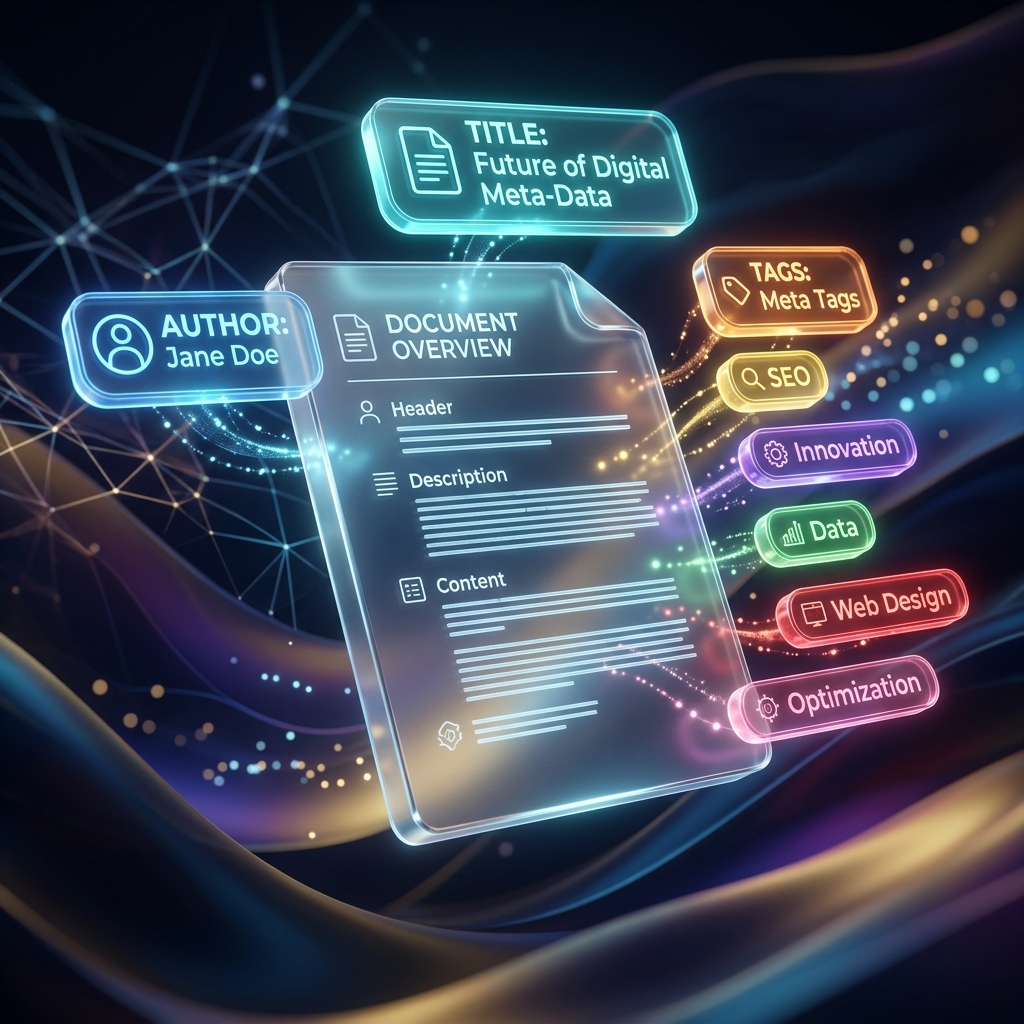
Every PDF file contains hidden information behind the visible pages. This hidden information is called PDF metadata. It can include details such as the document title, author name, subject, keywords, creation date, modification date, producer, creator application, and sometimes the software used to generate the file. Most users only see the actual PDF content, but behind the scenes, metadata can still be stored inside the document. Editing this data is important for privacy, professional presentation, document organization, and SEO optimization.
A PDF Metadata Editor helps users view, change, clean, and update PDF properties online. Whether you want to remove personal information, add a professional document title, update the author name, insert SEO keywords, or clean messy file details, this tool makes the process simple. Instead of using complex PDF software, users can upload a document, edit metadata fields, apply changes, and download the updated PDF file with a clean metadata profile.
What Is PDF Metadata?
PDF metadata is information stored inside a PDF file that describes the document. It is not always visible on the page, but it can be seen in PDF properties or document information panels. Common metadata fields include Title, Author, Subject, Keywords, Creator, Producer, Creation Date, and Modified Date.
For example, a PDF document may show a title like untitled_final_v3.pdf, an author name taken from your computer username, or a creator value from the software used to export the file. If you are sharing the PDF with clients, customers, students, employers, search engines, or official departments, this hidden information can affect privacy and professionalism.
Why Clean PDF Metadata?
Cleaning PDF metadata is useful because it removes unwanted information and replaces it with accurate, professional, and optimized details. Many people do not realize that a PDF can contain hidden author names, company usernames, old titles, draft labels, or software information. If this data is not cleaned, it may reveal details you did not intend to share.
Privacy Protection
Privacy is one of the biggest reasons to edit PDF metadata. A PDF may include the original author name, company computer username, creation date, editing software, or internal document title. If you share this file publicly or send it to someone outside your organization, that hidden data may be visible.
Using a PDF Metadata Editor helps remove or update private information before sharing the document. This is useful for freelancers, businesses, students, legal users, government workers, researchers, and anyone who wants better control over document privacy.
Professional Branding
PDF metadata also affects branding. When someone opens a PDF file, some PDF readers display the document title in the window bar or tab title. If the metadata title is messy, outdated, or incorrect, the document can look unprofessional. For example, a file may display a title like untitled_v4_draft_final.pdf instead of a clean title like Company Profile 2026 or Business Proposal for Client.
By editing the PDF title, author, subject, and keywords, you can make the document look polished and well-prepared. This is especially important for business proposals, portfolios, reports, invoices, contracts, resumes, eBooks, manuals, and marketing documents.
SEO Optimization
PDF files can also appear in search engine results. Search engines may read PDF content and metadata to understand the document topic. A clean PDF title, subject, and keyword field can support better document relevance. If you publish PDFs on a website, blog, knowledge base, business portal, education platform, or download page, metadata optimization can help improve discoverability.
For example, a PDF titled PDF SEO Guide for Beginners with relevant keywords is better than a file with no title or a random draft name. Clean metadata helps search engines and users understand what the document is about.
How to Edit PDF Properties Online
Editing PDF properties with the PDF Metadata Editor is simple and fast.
First, upload your document to the PDF Metadata Editor tool. After uploading, the tool will read the current metadata fields from your PDF file. You can then modify important properties such as Title, Author, Subject, Keywords, and Creator.
Once you have updated the details, click Update Metadata. The system will recompile the PDF properties block and save your new metadata inside the document. After processing is complete, download the updated PDF file with its clean metadata profile.
Benefits of Using a PDF Metadata Editor
A PDF Metadata Editor gives users better control over the hidden information inside their PDF files. It helps improve privacy, professionalism, search visibility, and document organization. If you regularly share PDF files online or with other people, metadata editing should be an important part of your document preparation process.
This tool is useful because it works online and does not require software installation. Users can edit PDF metadata directly from a browser on mobile, tablet, laptop, or desktop devices. It saves time and makes PDF property editing easier for everyone.
Edit PDF Title
The PDF title is one of the most important metadata fields. It may appear in the browser tab, PDF reader window, or document properties. A clean title makes the document look professional and easy to identify. Instead of showing a rough file name, the PDF can display a proper document title.
For example, you can change draft_new_final_2.pdf to Annual Business Report 2026, Student Assignment File, Product Catalog, Company Invoice, or Research Paper Submission. A proper title improves branding and readability.
Edit PDF Author
The author field can show the name of the person or organization that created the document. Sometimes this field may contain a personal username, office computer account name, or incorrect author information. Before sharing a PDF publicly, it is smart to check and edit the author field.
Businesses can add their company name, freelancers can add their professional name or brand, and students can add their correct academic name if required. If privacy is a concern, users can remove the author value entirely or replace it with neutral information.
Edit PDF Subject
The subject field describes the main topic of the PDF document. A clear subject helps organize files and makes the document easier to understand. For example, a business proposal PDF can have a subject like Digital Marketing Service Proposal, while a school project can use Science Project Report.
Adding a proper subject is useful for document management, internal records, and SEO. It gives extra context to the PDF file and helps users identify the document purpose.
Edit PDF Keywords
Keywords are useful for organizing and optimizing PDF documents. If the PDF is uploaded online, keywords can help describe the document topic. For example, a PDF about online PDF tools may include keywords like PDF editor, merge PDF, split PDF, compress PDF, PDF converter, PDF metadata editor.
For businesses, keyword metadata can support digital document SEO. For students and professionals, keywords can make files easier to search and categorize in document management systems.
Edit PDF Creator and Producer Details
Some PDFs store information about the application used to create them, such as Microsoft Word, Adobe Acrobat, Google Docs, Canva, scanner apps, or other PDF generators. In some cases, users may want to update or remove this information for privacy or branding reasons.
A PDF Metadata Editor can help clean creator-related fields and make the PDF properties more professional. This is especially useful when documents are prepared for clients, public downloads, official sharing, or business use.
Useful for Businesses
Businesses share PDF files every day, including invoices, contracts, company profiles, brochures, proposals, catalogs, reports, manuals, and presentations. These files should look professional both on the visible page and inside the hidden metadata.
A PDF Metadata Editor helps businesses maintain consistent branding. The author field can show the company name, the title can show the official document name, and keywords can describe the business document topic. This makes the PDF more polished and trustworthy.
Useful for Freelancers
Freelancers often create proposals, invoices, portfolios, contracts, reports, and service documents for clients. If a PDF contains messy metadata or an old draft title, it can reduce the professional impression. By editing PDF properties, freelancers can make sure each file reflects their brand properly.
A clean PDF title and author name can make client documents look more organized and serious. This is especially useful for designers, writers, marketers, consultants, developers, accountants, and service providers.
Useful for Students and Teachers
Students create assignments, projects, research papers, reports, notes, and thesis documents in PDF format. Teachers create worksheets, question papers, lesson plans, study material, and academic PDFs. Metadata editing can help add correct titles, subjects, and author names to academic files.
For example, a student can set the title as Physics Project Report, author as their name, and subject as Renewable Energy Study. This makes the PDF easier to identify and submit professionally.
Useful for SEO and Website Downloads
If you upload PDF files to your website, metadata should not be ignored. Search engines can crawl PDF files and use document signals to understand their relevance. A PDF with a proper title, subject, and keywords can be more helpful for users and search engines than a PDF with random or empty metadata.
Website owners, bloggers, digital marketers, online educators, and businesses can use a PDF Metadata Editor to optimize downloadable PDFs. This is useful for eBooks, guides, whitepapers, manuals, product sheets, reports, case studies, and brochures.
Useful for Legal and Official Documents
Legal and official documents should be clean, accurate, and professional. Contracts, agreements, affidavits, policy documents, compliance reports, certificates, forms, and official letters may contain metadata from earlier drafts or software exports.
Before sharing or submitting these files, users can clean metadata to remove unnecessary author names, old draft titles, or unwanted software information. This helps maintain privacy and document integrity.
Useful for Public File Sharing
When sharing PDFs publicly on websites, social media, cloud storage, forums, or client portals, hidden metadata can be exposed to anyone who checks the file properties. A PDF Metadata Editor helps clean sensitive information before public sharing.
This is important for creators, businesses, agencies, educators, researchers, and users who distribute PDF files online. Clean metadata reduces privacy risks and improves the final document presentation.
Mobile-Friendly PDF Metadata Editing
A good PDF Metadata Editor should work smoothly on mobile devices. Many users receive and share PDF files through smartphones. A mobile-friendly tool allows users to upload a PDF, update title, author, subject, and keywords, then download the edited file directly from their phone.
This makes metadata editing easy for users who need quick updates while traveling, working remotely, or managing documents from mobile.
No Software Installation Required
Online PDF metadata editing removes the need for complex software. Users do not need to install Adobe Acrobat, desktop PDF editors, plugins, or extensions. The tool works in the browser and provides a simple interface for editing PDF properties.
This is helpful for users who only need to update metadata quickly without learning advanced PDF editing features.
Improve Document Organization
Metadata can help organize PDF files more effectively. When files have proper titles, subjects, and keywords, they are easier to identify and manage. This is useful for businesses, schools, offices, freelancers, and personal users who store many PDF files.
A clean metadata profile can make a document library more searchable and structured. It also helps when files are indexed by document management systems.
SEO Keywords for PDF Metadata Editor Tool
For SEO, a PDF Metadata Editor page should include natural keywords that match user search intent. Important keywords include PDF metadata editor, edit PDF properties online, change PDF title, edit PDF author, remove PDF metadata, clean PDF metadata, PDF document properties editor, update PDF metadata, PDF SEO metadata, PDF title editor, PDF keyword editor, online PDF editor, and free PDF metadata tool.
These keywords should be used naturally in the content, headings, meta description, and tool page. The content should remain helpful and easy to read rather than repeating keywords unnaturally.
Conclusion
A PDF Metadata Editor is an essential online tool for anyone who wants to clean hidden PDF information, protect privacy, improve professional branding, and optimize documents for search visibility. Every PDF file can contain metadata such as title, author, subject, keywords, creator, producer, creation date, and modification details. If this information is outdated, messy, or private, it should be edited before sharing the file.
With Knife Pdf PDF Metadata Editor, users can upload a PDF, modify metadata fields like Title, Author, Subject, Keywords, and Creator, click Update Metadata, and download the updated PDF with a clean properties profile. Whether you are preparing business documents, resumes, invoices, contracts, academic papers, legal files, eBooks, website downloads, or official forms, clean metadata makes your PDF safer, more professional, and better optimized.
If you are searching for a PDF metadata editor online, edit PDF properties tool, remove PDF metadata, change PDF title, update PDF author, clean PDF document properties, or optimize PDF metadata for SEO, this tool provides a fast and convenient solution for daily PDF management.
Ready to Process Your PDFs?
Use our high-speed, secure, and 100% free online PDF tools to convert, merge, compress, and edit your documents in seconds.
Explore All PDF Tools