How to Sign a PDF Document Online for Free Without Printing
Published on June 04, 2026
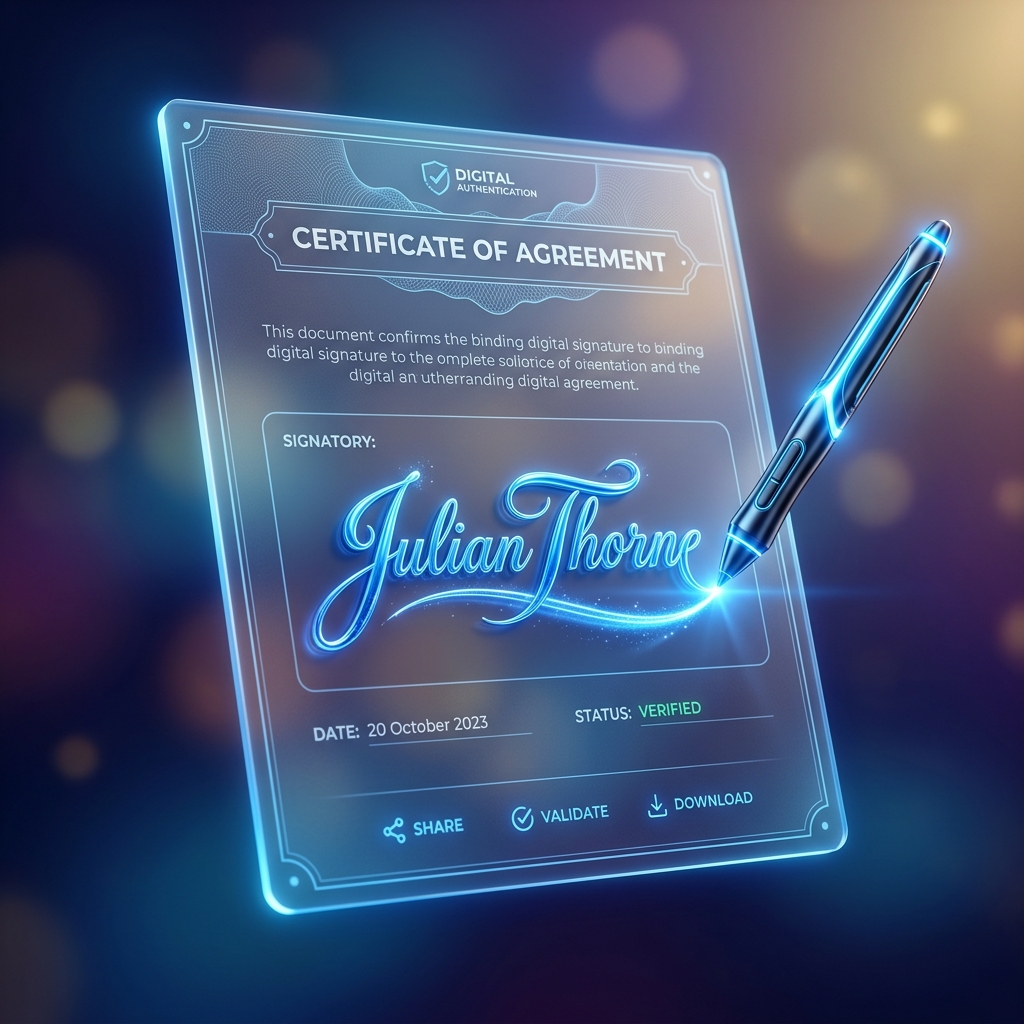
In today’s fast-paced digital world, signing paper documents is quickly becoming a relic of the past. Whether you are signing a lease agreement, a freelance contract, or a corporate purchase order, doing it electronically saves time, paper, and money.
Why Use Electronic Signatures?
Electronic signatures are legally binding in most countries and offer several distinct advantages over traditional physical signatures:
- Speed: Send, sign, and return documents in a matter of seconds.
- Convenience: Sign from any device (phone, tablet, laptop) anywhere in the world.
- Cost Savings: No need to spend money on paper, printing ink, envelopes, or postage.
- Environmentally Friendly: Reduce your paper waste and contribute to a greener planet.
Step-by-Step Guide to Signing PDFs Online
Signing your document on PDF Master Pro is extremely simple and secure. Just follow these steps:
- Upload your document: Choose the PDF file you need to sign from your computer or mobile device.
- Create your signature: You have three options:
- Draw: Use your mouse, trackpad, or finger to draw your signature.
- Type: Type your name and select a beautiful cursive font.
- Upload: Upload a photo of your handwritten signature from your device.
- Place your signature: Drag and drop your signature onto the document, resize it to fit perfectly, and hit "Save".
- Download: Instantly download your signed PDF document.
Is it Secure and Legally Binding?
Yes. Digital signatures generated on modern PDF platforms are compliant with major electronic signature laws, including the ESIGN Act in the US and the eIDAS regulations in the European Union. PDF Master Pro ensures that your documents are processed securely and deleted from our servers automatically to maintain maximum confidentiality.
Frequently Asked Questions
Can I sign a PDF using my mobile phone?
Yes, our web application is fully responsive. You can easily draw your signature with your finger on any smartphone screen.
Do I need to register or pay?
No, Knife PDF signing tool is completely free to use without any account creation or subscriptions.
Ready to Process Your PDFs?
Use our high-speed, secure, and 100% free online PDF tools to convert, merge, compress, and edit your documents in seconds.
Explore All PDF Tools